

Find a gift idea.
Open the product page for something you want to add.
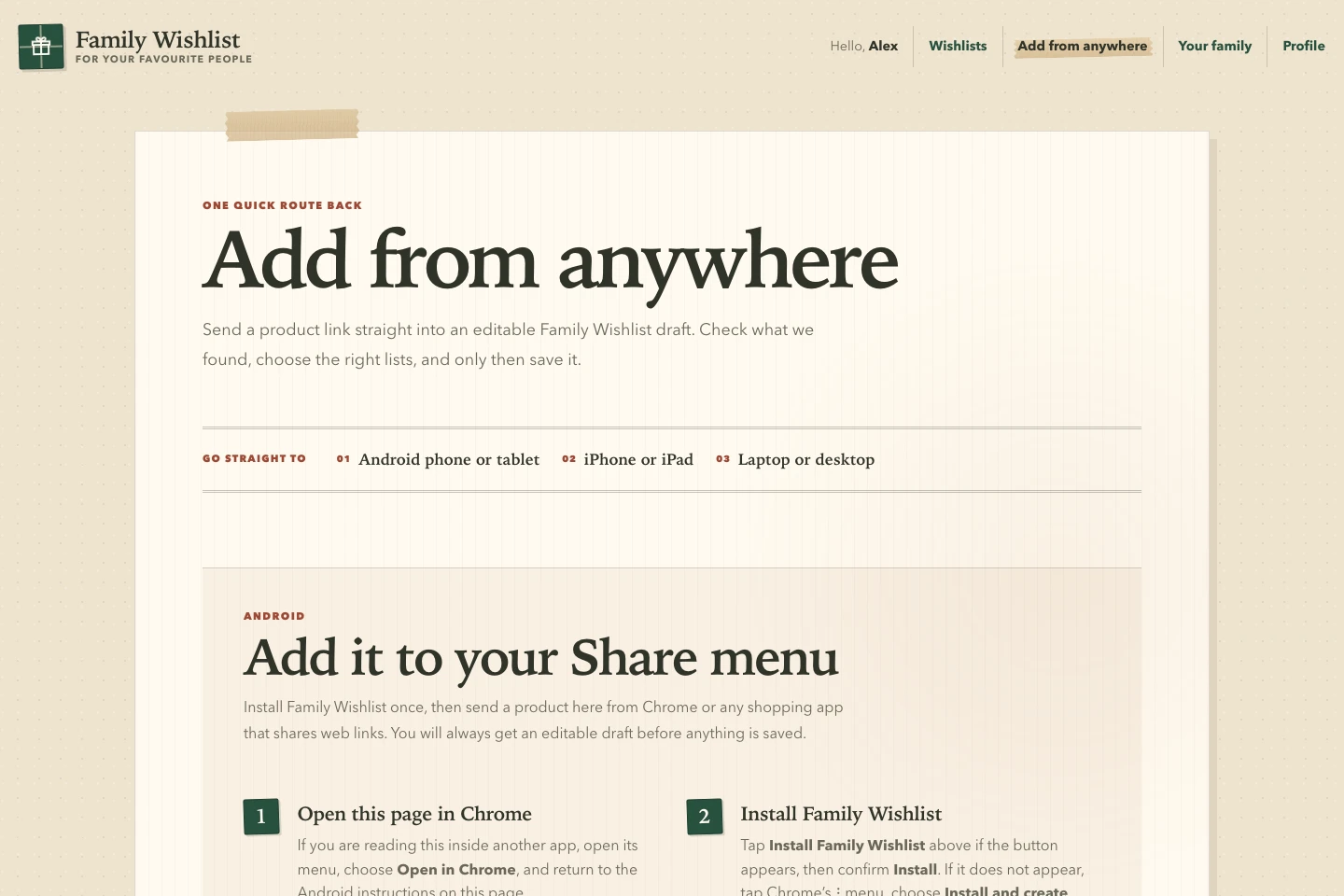
Send a product link from your phone or computer to Family Wishlist. The app prepares a draft for you to check, edit and save to one or more lists.
Open the product page for something you want to add.
Use one of the shortcuts below, or paste the link into the app.
Edit the suggested name, picture or price, then choose the lists to add it to.
iPhone & iPad
Install the supplied Apple Shortcut once and enter your Family Wishlist address. The app’s Add from anywhere page walks you through it.
The app also includes a build-it-yourself Shortcut recipe if you need it.
Android
Install Family Wishlist as a web app from a supported Android browser. It can then appear in the Share menu when you send a web link.
Browser and device support varies. Pasting a link into the app is always available.
Laptop & desktop
Drag the supplied “Add to Family Wishlist” button into your bookmarks bar. It’s a bookmark you control, with no browser extension to install.
Prefer copy and paste? Add the product link directly in your wishlist.
Family Wishlist looks for the name, picture and price on the product page. If those details are incomplete, optional Cloudflare Workers AI can help read them from the page. Prices are currently shown in pounds sterling (GBP).
It works from a small, cleaned excerpt of the public product page. Your private family lists and gift claims aren’t sent to the product-detail AI. AI never saves a wish on its own.
You can change every suggestion. If a shop blocks the lookup or leaves details out, fill them in yourself.
How the app uses AIOpen source, end to end
Read the code, fork the repository and run it in your own Cloudflare account.
